Fixing the 404 Error When Navigating Directly in a Vite + React App on Vercel
How to Fix Direct Navigation 404 Issues in Vercel with Vite and React
Frontend Engineer, and WordPress Consultant | Passionate about Web Technologies
The Problem: 404 Error on Direct Navigation
I recently updated a Vite-powered React app on Vercel, expecting everything to work smoothly. However, when I tried to access a page directly via its URL, I kept getting the following error:
**404**: NOT_FOUND
Code: `NOT_FOUND`
ID: `cpt1::7lj52-1742564392047-613e6ec457d8`
Oddly enough, using the navigation links inside the app worked perfectly. However, refreshing or opening a direct link https://picadjust.vercel.app/changelog resulted in a 404 error.
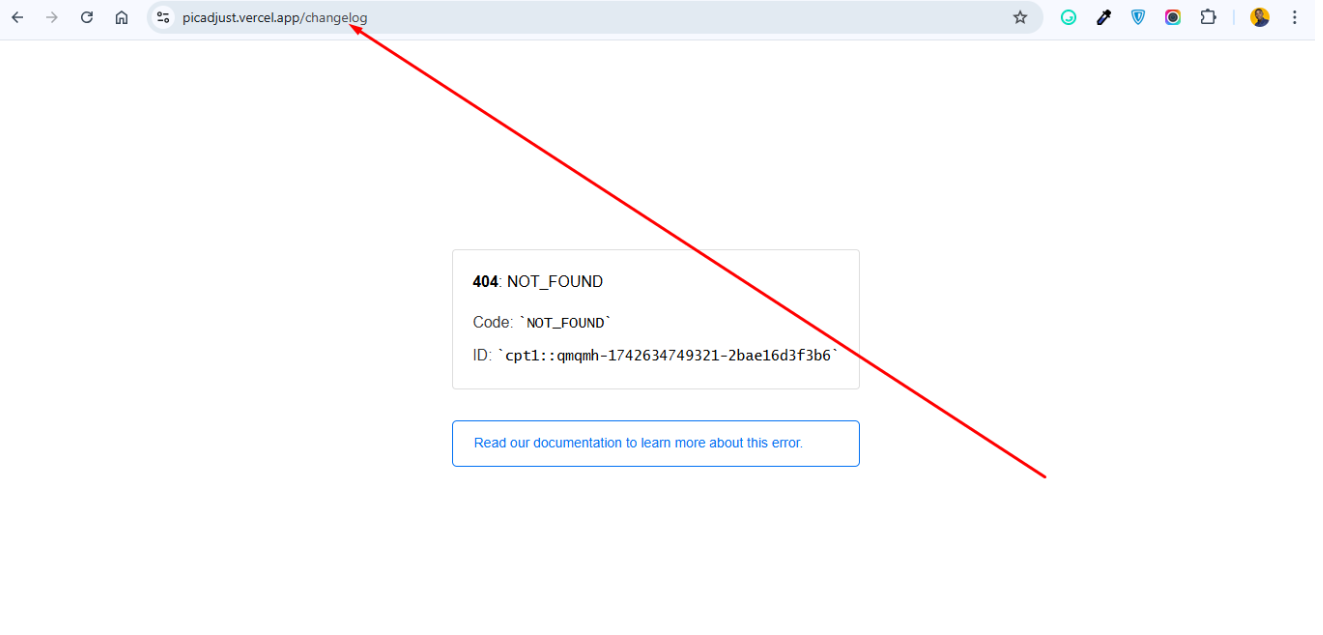
This issue occurs because Vite uses client-side routing with React Router (BrowserRouter), but Vercel’s default behavior is to look for an actual file at /changelog instead of letting React handle the route.
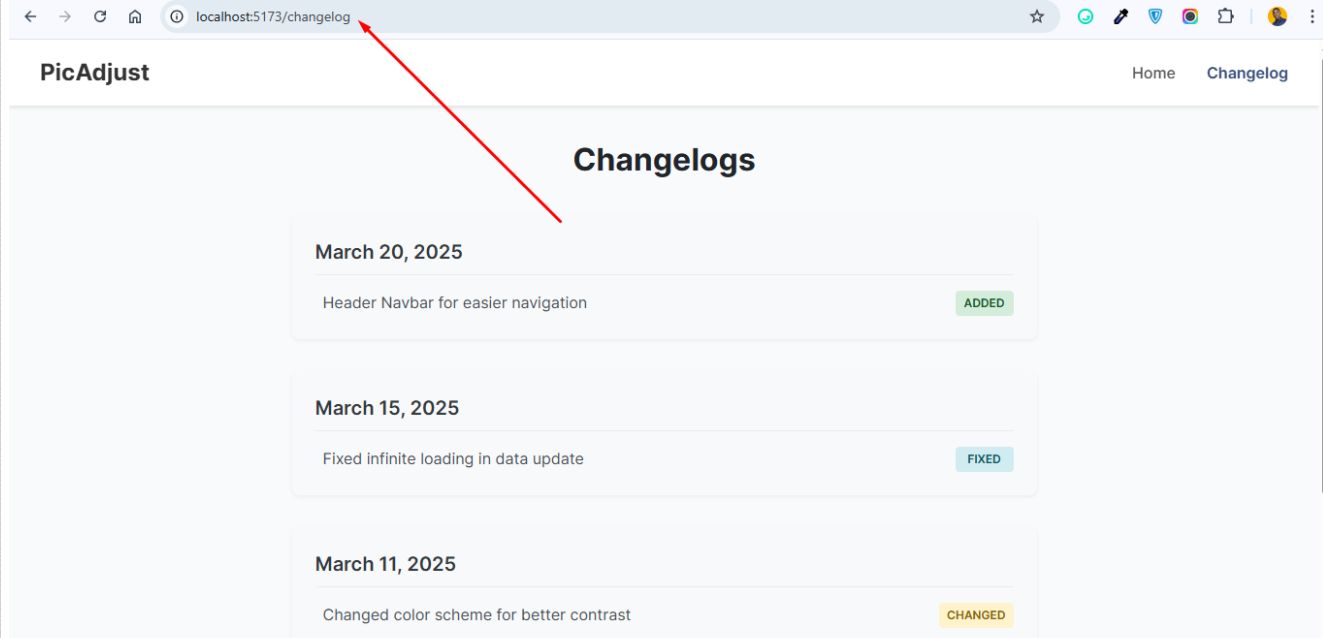
Side-Note: It should be noted that the deployment works fine on my local server and the issue only occurs when deployed to vercel (See Screenshot below):
The Fix: Configuring vercel.json for Proper Routing
To allow React Router to handle navigation properly, I added a vercel.json file in the project’s root directory with the following content:
{
  "rewrites": [{ "source": "/(.*)", "destination": "/index.html" }],
  "headers": [
    {
      "source": "/(.*)",
      "headers": [{ "key": "Cache-Control", "value": "no-cache" }]
    }
  ]
}
Why This Works
The rewrites section ensures that all paths (/changelog, etc.) are served by index.html, allowing React Router to handle them correctly.
The headers section in addition prevents aggressive caching issues, ensuring that new deployments are always reflected instantly.
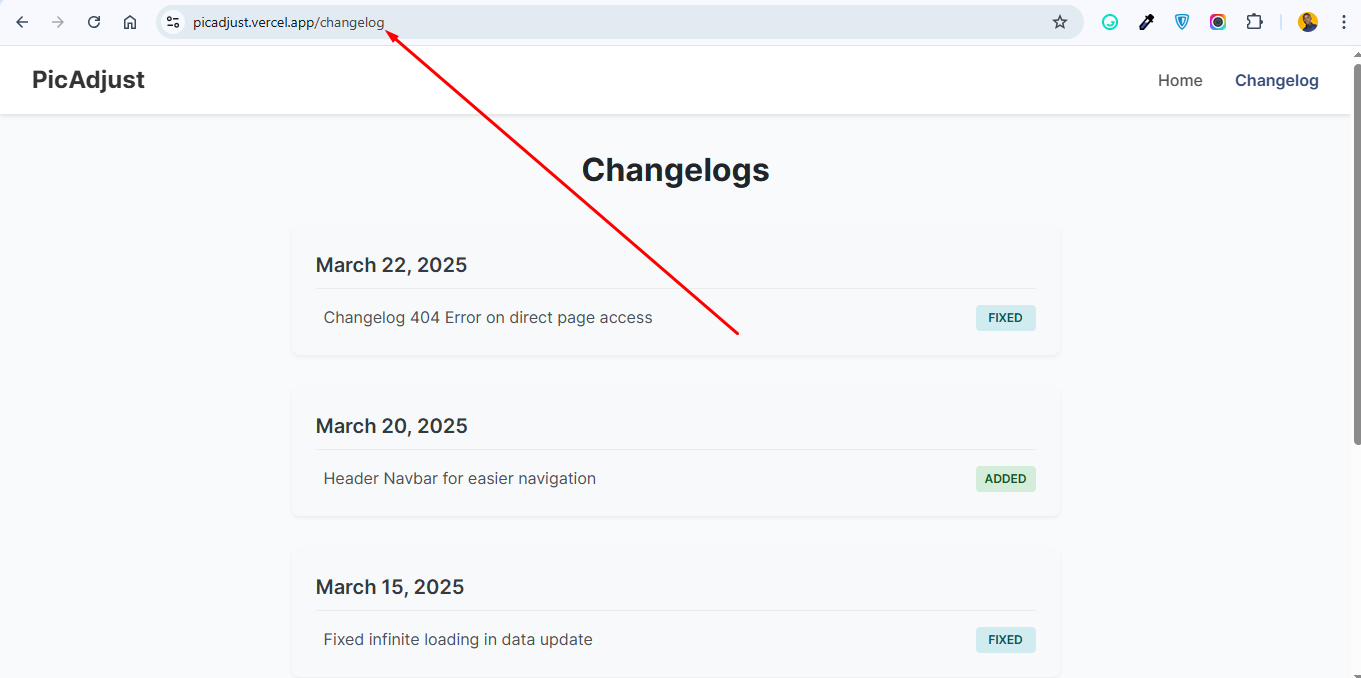
Now, when I directly access a page in my app (e.g. https://PicAdjust.vercel.app/changelog ), it loads correctly without a 404 error!
Conclusion
If you're facing a 404 error on direct navigation in a Vite + React app deployed on Vercel:
Add a
vercel.jsonfilerewritesto ensure the React Router handles routing properly.Disable aggressive caching to ensure new deployments load instantly.
Redeploy your app.
After applying these fixes, your React app should work flawlessly on Vercel!
Have you encountered a similar issue? Let’s discuss this in the comments!


